Edit message of the day
The Message of the Day is a facility that allows you to enter a message that will be displayed to each user as they log in to a database. The message may contain any information you like in any format or style you like. The size and position of the Message of the Day edit form will determine the size and position of the message that is displayed to users when they log in.
 Features
- WYSIWYG approach to message creation
- Any message can be created
Edit message of the day form
Module: System
Category: Message of the day (Edit)
Activation: Main > System > Database administration > Edit message of the day
Form style: Multiple instance
Special actions available for users with Administrator permissions:
- None
Database rules:
- None
Field definitions
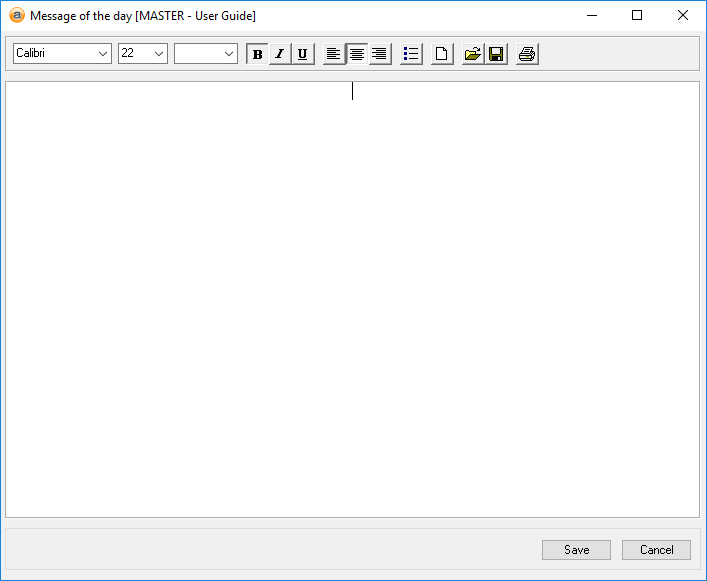
Toolbar
This is a toolbar that can be used to help create messages. The standard word processing options available are as follows:
- Font
- Font size
- Font colour
- Bold
- Italics
- Underline
- Left alignment
- Centre alignment
- Right alignment
- Bullets
- New
- Open: Rich text format document
- Save
Message
Reference: memo
This is where messages are created. The area uses a WYSIWYG approach for ease of entry.